Everyday updates
The client workspace
See how the client workspace organizes approved website updates in one place.
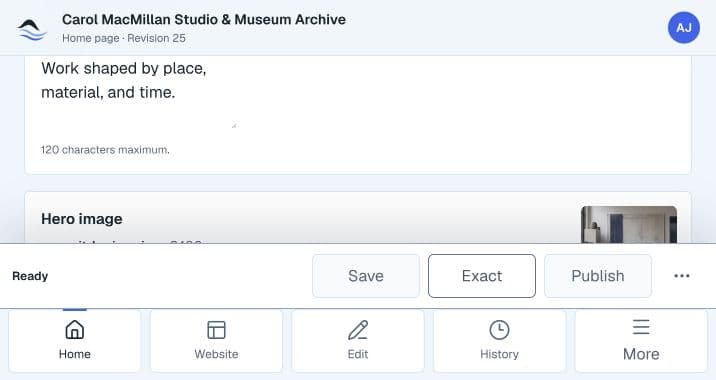
A focused place for website updates
The client workspace is where clients manage routine updates to their website.
It brings approved content, drafts, previews, publishing, update status, and support into one focused place.
What you can do
- View the connected website and editable pages.
- Update approved copy and images.
- Save a draft and review a preview.
- Publish a ready update when publishing is available for the website.
- Follow update status and review publish history.
- Get support when needed.
Continue reading
Learn about editing contentLearn what content can be updated and where larger website changes fit.Editing approved content