Start here
SiteFerry for developers
Connect a custom website, define what the client can update, and hand off a focused SiteFerry workspace.
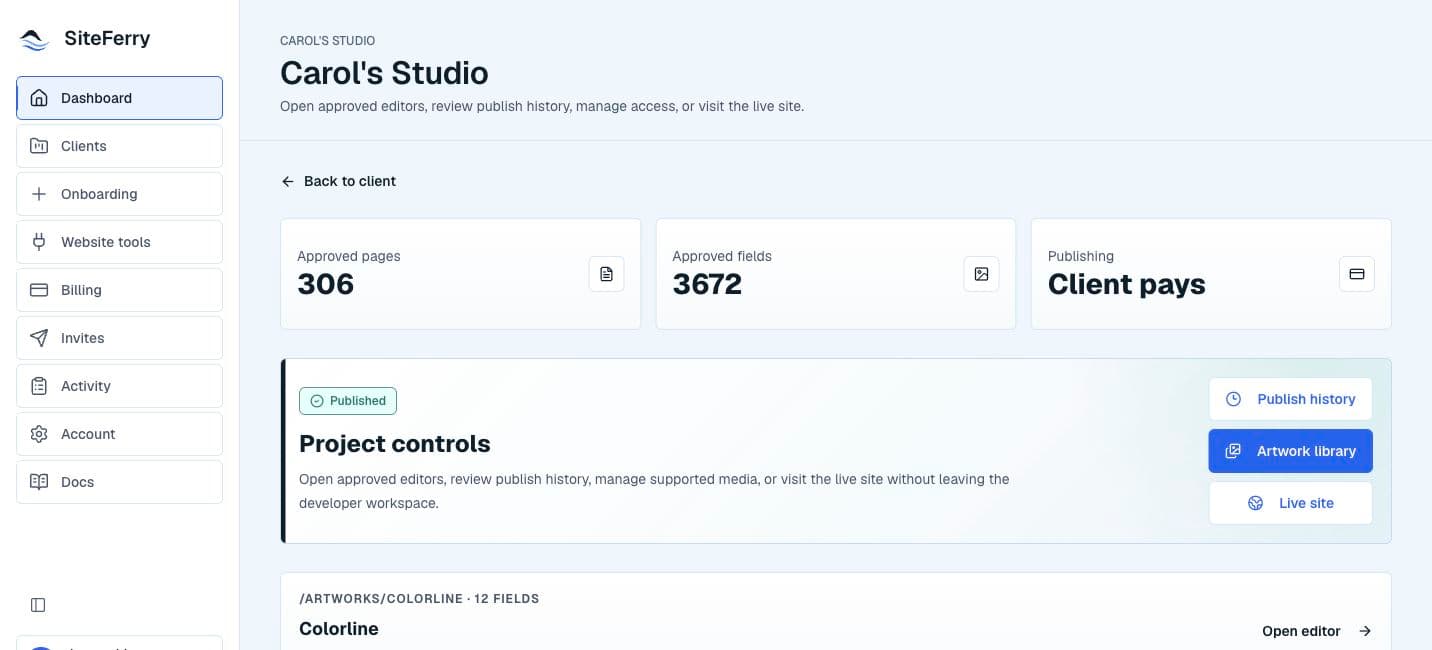
A focused handoff for custom websites
SiteFerry helps developers turn finished custom websites into client-ready editing workspaces.
Connect the website, define the content a client can update, and invite them into a focused workspace for routine copy and image changes.
The developer approves the client’s editing scope before the workspace is handed off.
Custom websites with a clear editing scope
SiteFerry is designed for custom websites where a developer can define a clear, safe client editing scope.
That scope can cover approved copy and images in the pages or content areas configured for the workspace. SiteFerry does not turn the website into an unrestricted builder.
The handoff path
- Create the client workspace.
- Connect the website and review its content structure.
- Use guided AI-assisted setup to identify possible editable areas.
- Choose and approve the content the client can edit.
- Invite the client into the prepared workspace.
- Review activity and provide support as needed.
Guided AI-assisted setup
SiteFerry combines guided setup with AI assistance to help developers prepare a client-ready workspace faster. AI helps identify content and prepare the setup; the developer decides what becomes editable before the client is invited.
The focused client workspace
Clients receive a focused workspace for their assigned website. They can update approved copy and images, save draft revisions, review exact previews, use the configured publishing workflow when available, view publish history, and contact support.
Continue reading
See the client workspaceSee the workspace a client uses after the handoff is complete.The client workspace